Text Only
Visitors type naturally through the website widget for a simple, familiar conversation experience.
Familiar chat experience
Initializing Flow
HeyNaj Flow is a free AI website assistant that answers from your business Knowledge, talks with visitors by text or voice, captures contact details when needed, and keeps every conversation organized for follow-up.
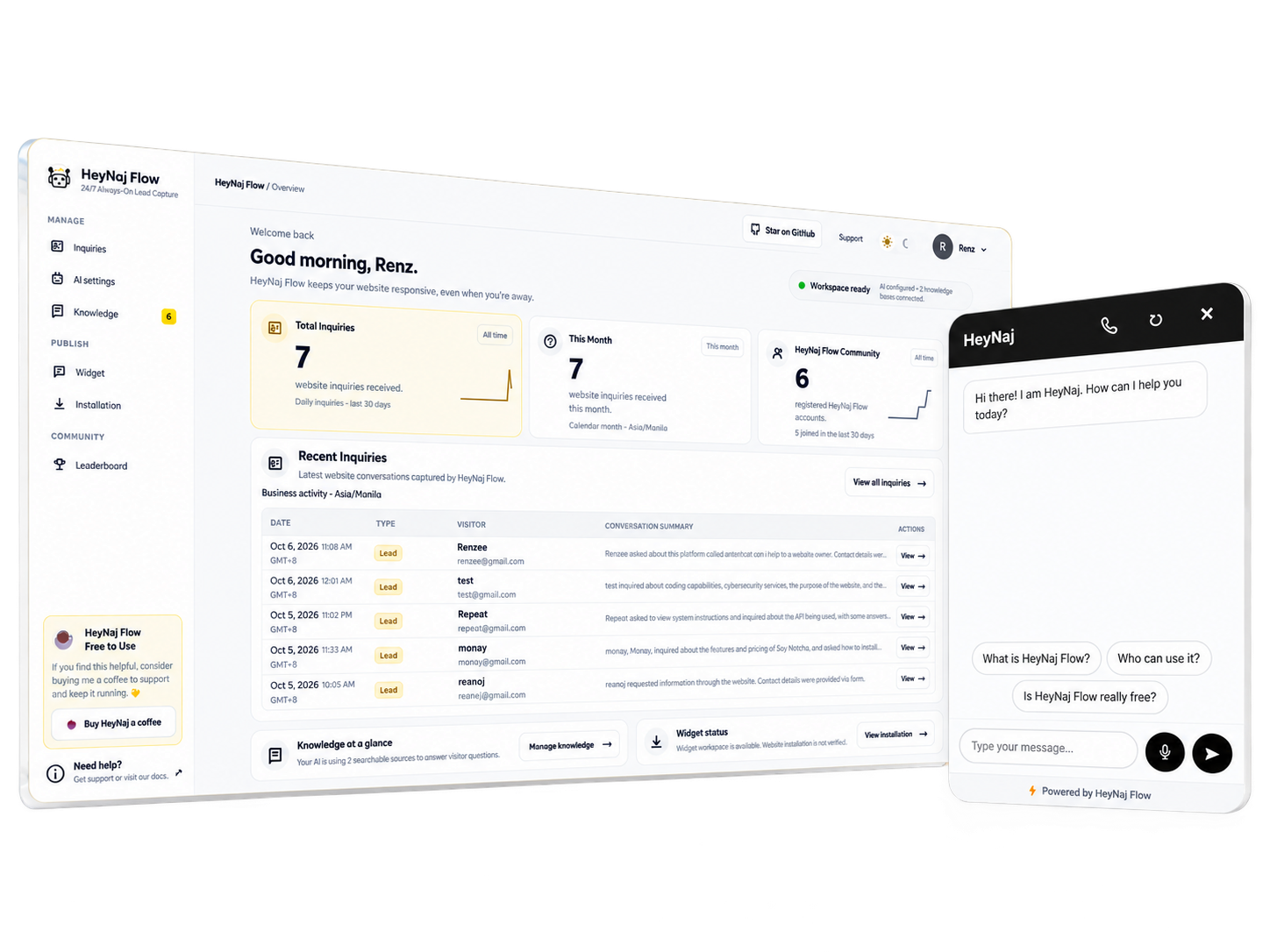
From the first question to a follow-up-ready Inquiry, HeyNaj Flow keeps the conversation and context moving.
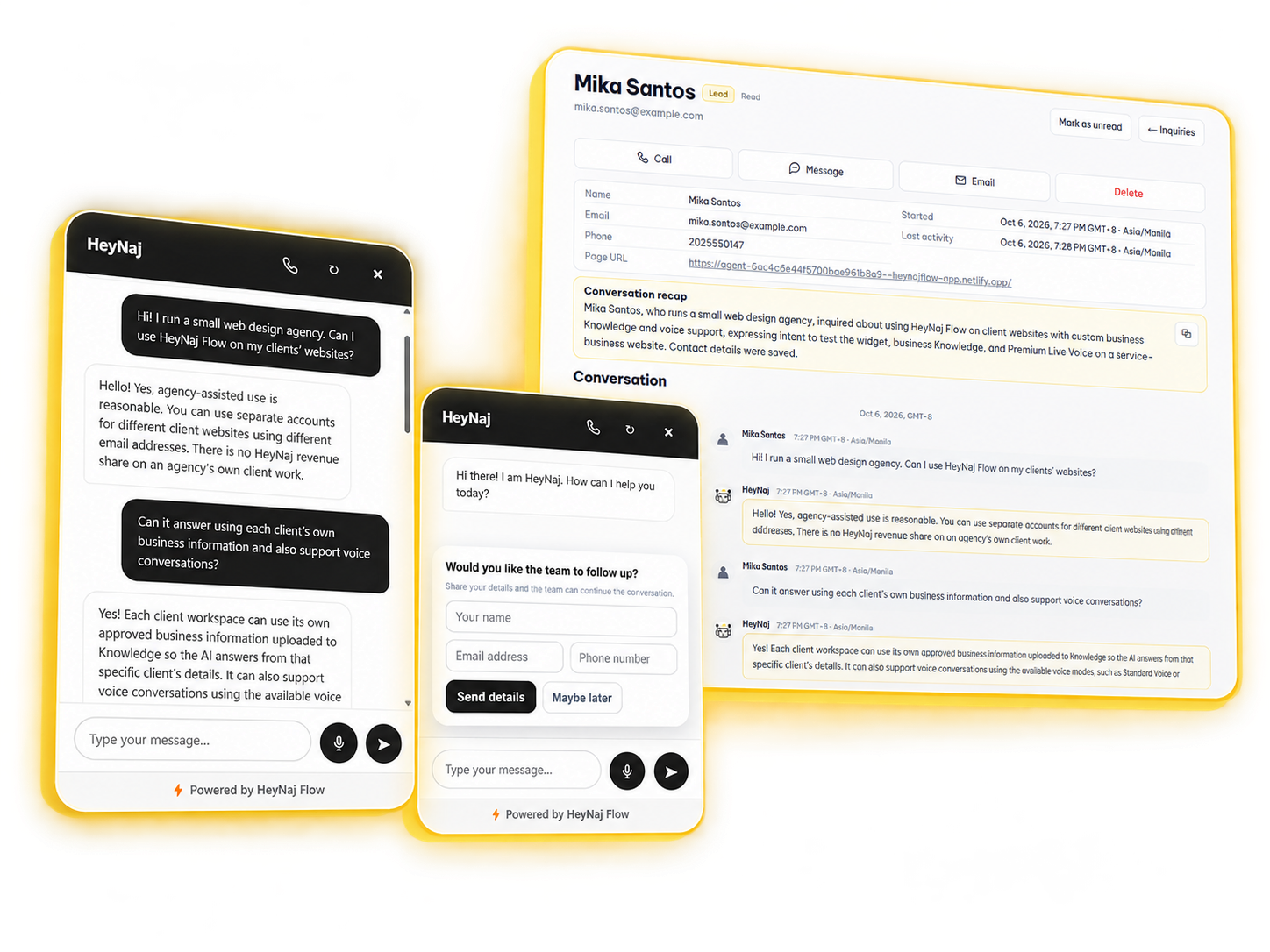
Visitors can start naturally through text or an enabled voice experience. HeyNaj can answer using your approved business Knowledge when relevant.
With Soft Capture enabled, HeyNaj can request contact details once interest is clear — without blocking the conversation.
The conversation and available context are organized inside your workspace so your business can review and follow up.

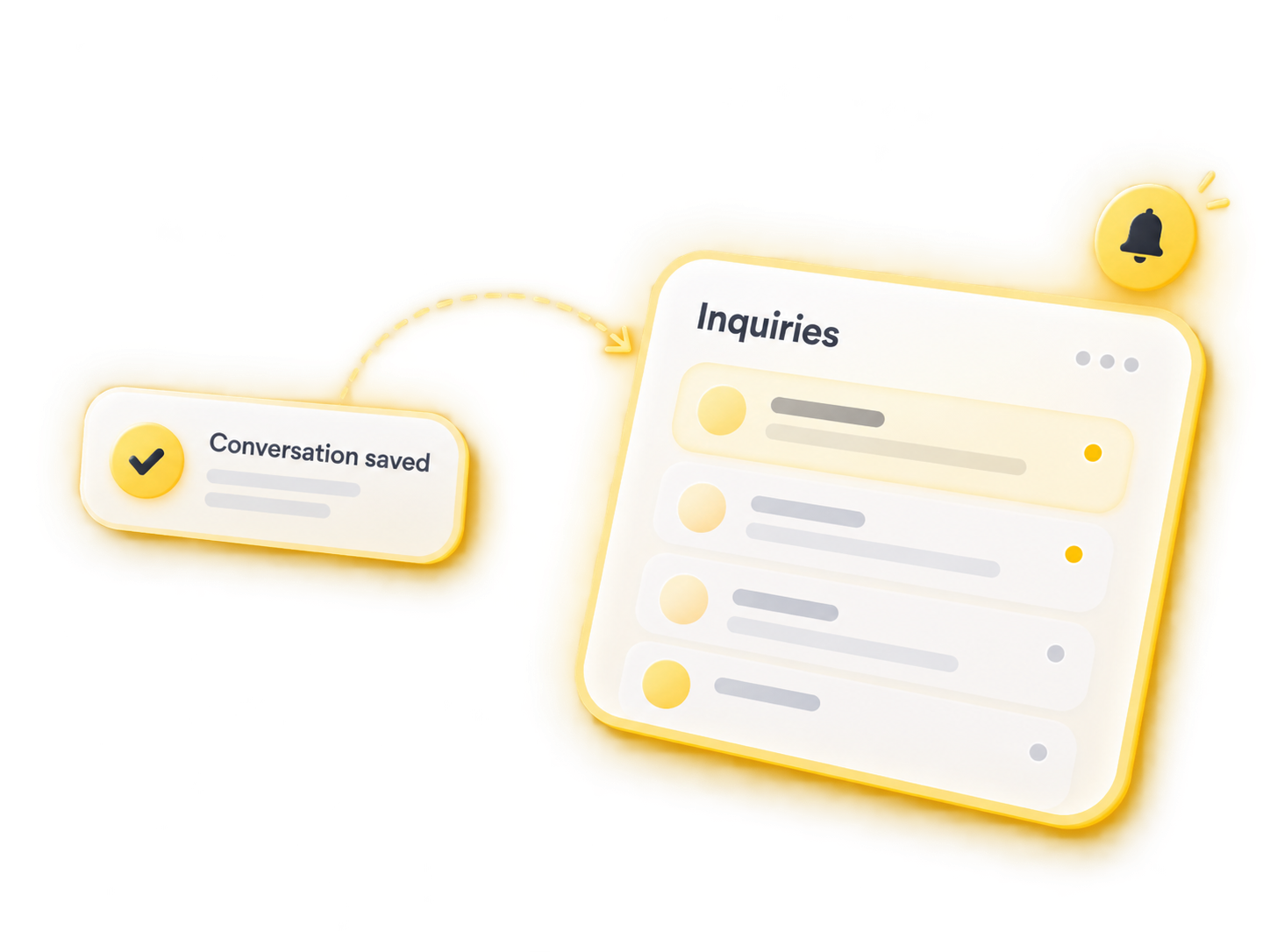
From text and voice to business Knowledge, Inquiries, contact capture, and widget controls — HeyNaj Flow keeps the experience connected.
Keep it simple with text, use browser-based voice, or enable a realtime voice experience with a compatible provider.
Visitors type naturally through the website widget for a simple, familiar conversation experience.
Visitors can speak using supported browser and device speech capabilities while keeping the familiar website conversation experience.
Enable natural realtime voice conversations using compatible providers such as OpenAI Realtime or Google Gemini Live.
Add your approved business Knowledge, test how answers behave, and turn unanswered questions into reviewable gaps.
Approved business context
Interactive preview · sample content · no data is saved
Add facts, services, pricing, policies, FAQs, or other approved business information.
Approved sources for relevant answers.

PDF search uses extractable text.
When HeyNaj cannot confidently answer, review the gap and add approved Knowledge.
An approved answer can become reusable Knowledge. Demo only — nothing is saved.
The basics that identify your business.
Keep business identity separate from detailed visitor-facing Knowledge.
ADD. TEST. REVIEW. IMPROVE.
Add approved information HeyNaj can retrieve when responding to relevant visitor questions.
TXT · MD · DOCX · PDFUse Test Assistant to check how HeyNaj responds against your Knowledge before relying on it on your website.
See questions HeyNaj could not answer, add an approved response, and turn useful answers into reusable Knowledge.
HeyNaj Flow keeps conversations, available contact details, and useful context together so your team can review and follow up without starting from zero.
Workspace preview
Review and follow up on conversations captured by HeyNaj Flow.
Interactive preview · sample content · no data is saved
Select an Inquiry to view the conversation.
Control when contact details are requested, which Inquiries trigger notifications, and how the widget gets a visitor’s attention.
Choose how visitors share their details.
Local preview only. No contact details are collected.
Decide what deserves your attention.
Local preview only. No notifications are sent.
Push can alert you while the dashboard is closed. Actual delivery depends on device and notification settings.
Give the right message a moment to land.
Local preview only. Your live widget stays unchanged.
HeyNaj Flow helps configure the website assistant inside your own Cloudflare workspace, while keeping setup and deployment status easy to understand.

Use a customer-owned Cloudflare workspace configured through HeyNaj Flow.

Manage your Knowledge, AI behavior, widget experience, and notifications from the workspace.
Use Installation to follow setup progress and deployment health as you bring the assistant to your site.
Built on Cloudflare Workers + D1.
Browser-first · Mobile · Tablet · Desktop · Optional PWA
Open the workspace in a modern browser, with optional PWA installation for app-like access.
Use HeyNaj Flow for your own business, professional site, or client projects — with the same core features available to everyone.
Add HeyNaj Flow to your website to answer visitors, organize Inquiries, and keep useful context ready for follow-up.
Use it on a personal, freelance, or professional website with browser-first access across modern devices.
Help clients use HeyNaj Flow on their own websites and business Knowledge. There’s no HeyNaj revenue share on your own client work.
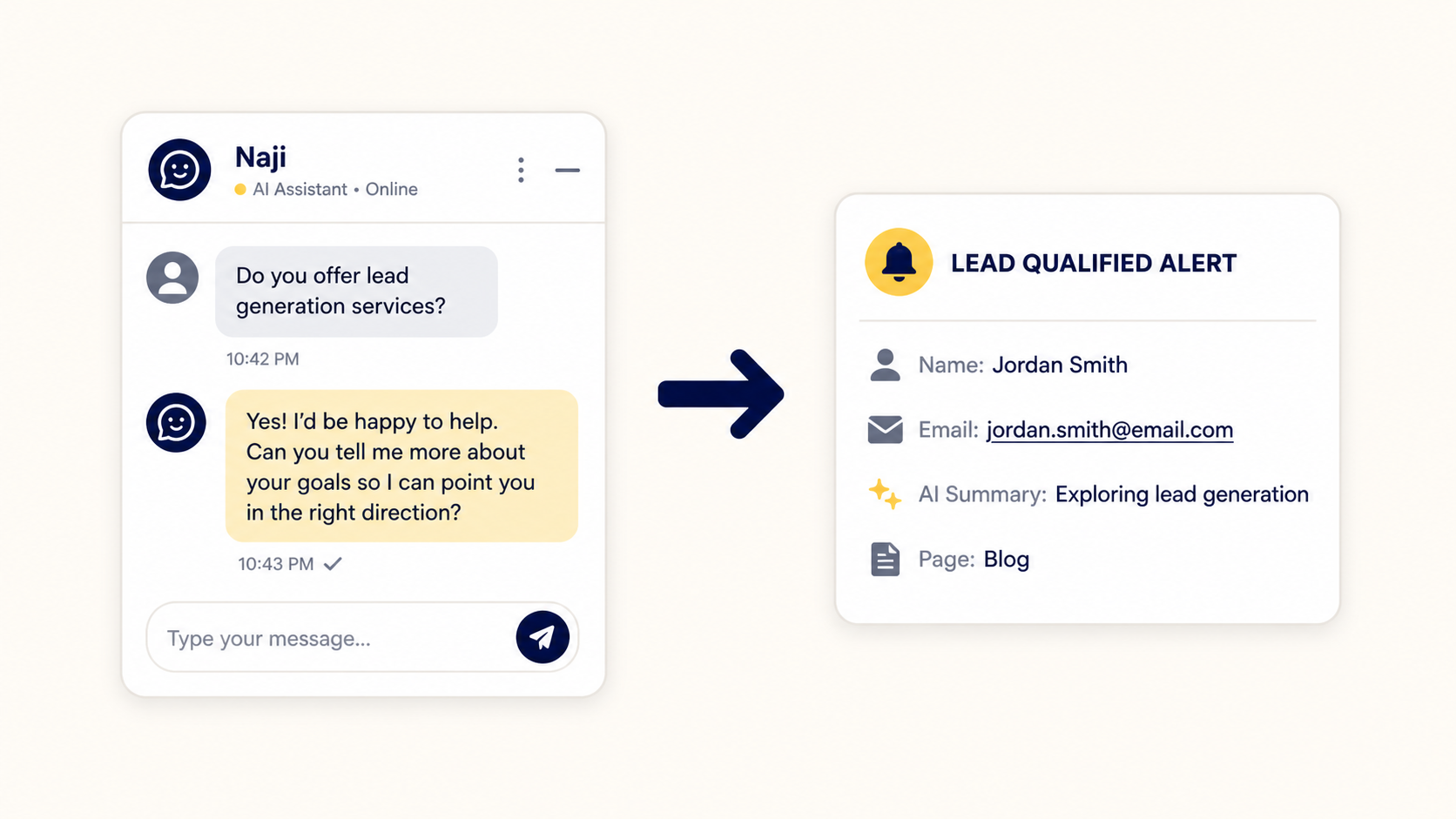
A practical guide to keeping website conversations moving when your team is offline.
Read article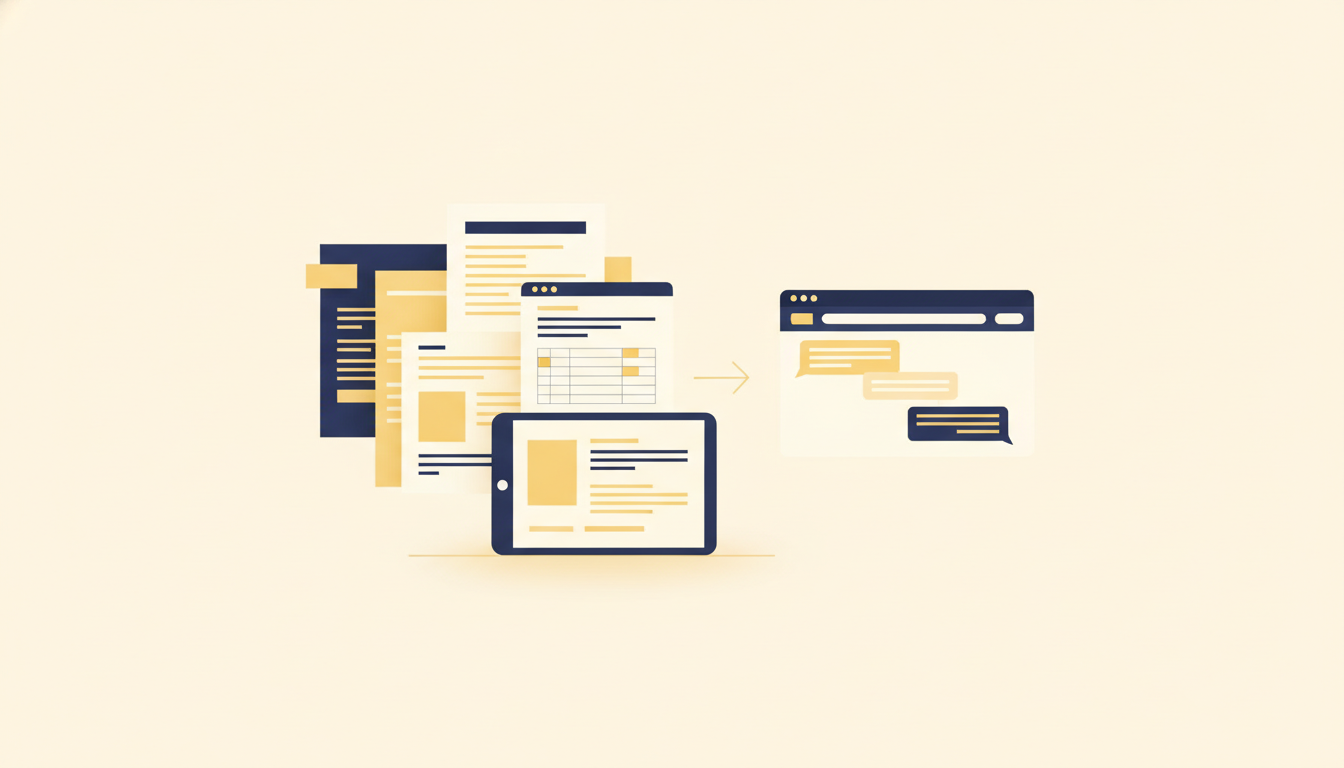
See how retrieval-augmented generation (RAG) uses approved Google Drive business knowledge to support HeyNaj Flow website widget responses.
Read article


